10 Best Tool for Scraping LinkedIn Profile from Search for Free
Summary
Scraping LinkedIn while logged in is extremely risky due to advanced security, near-certain account bans, and successful legal action by the company.
The safest approach is using tools that scrape public data without requiring your login credentials, which minimizes risk to your account.
After scraping, clean and enrich your data for strategic outreach. Tools like Synscribe's free LinkedIn Profile Scraper provide a secure way to start this process directly from your browser.
Are you struggling to scrape LinkedIn without getting your account banned? You're not alone. With advanced security systems like SHAPE and the constant threat of legal action for logged-in scraping, finding a safe and free tool can feel impossible.
The stakes are high: "If you're logged into LinkedIn and they find out you're scraping their website they will probably ban your account," warns one Reddit user. Even worse, "all lawsuit cases brought against people/companies scraping LinkedIn data while logged-in were successful."
But don't worry - we've done the research to help you navigate this minefield. In this article, we'll present 10 of the best free tools for scraping LinkedIn profiles, with a special focus on those that prioritize your safety and privacy.
Our top recommendation is a tool that works directly in your browser, requires no registration, and never asks for your LinkedIn credentials, eliminating the biggest risks from the get-go.
The High-Stakes Game of LinkedIn Scraping
Before diving into the tools, it's important to understand why LinkedIn scraping is particularly challenging:
Advanced Security Measures: LinkedIn uses sophisticated security systems like SHAPE to detect and block scraping attempts. As one user noted, "After Microsoft (Owner of LinkedIn) invested in OpenAI heavily, they really stepped up their security game."
Account Ban Risk: LinkedIn actively monitors for scraping behavior and is quick to ban accounts. Even cautious approaches often fail: "I started to scrape super slow and they banned me really fast."
Legal Consequences: LinkedIn has successfully pursued legal action against individuals and companies scraping while logged in, resulting in significant financial penalties.
This is why tools that operate locally and don't require your credentials are the safest bet. They allow you to extract valuable data while minimizing the most serious risks.
What Defines a Great Free LinkedIn Scraper?
When evaluating LinkedIn scraping tools, we prioritized these key factors:
Safety & Privacy: Does the tool protect your LinkedIn account and personal data?
Ease of Use: Is it accessible to non-technical users?
Data Export Capabilities: Can you easily export the data to CSV for further processing?
Genuinely Free Offering: Does it provide meaningful functionality without payment?
With these criteria in mind, let's explore the top 10 free tools for scraping LinkedIn profiles from search.
The Top 10 Free LinkedIn Profile Scraping Tools
1. Synscribe's LinkedIn Profile Scraper (Top Recommendation)
Type: Chrome ExtensionCost: 100% Free
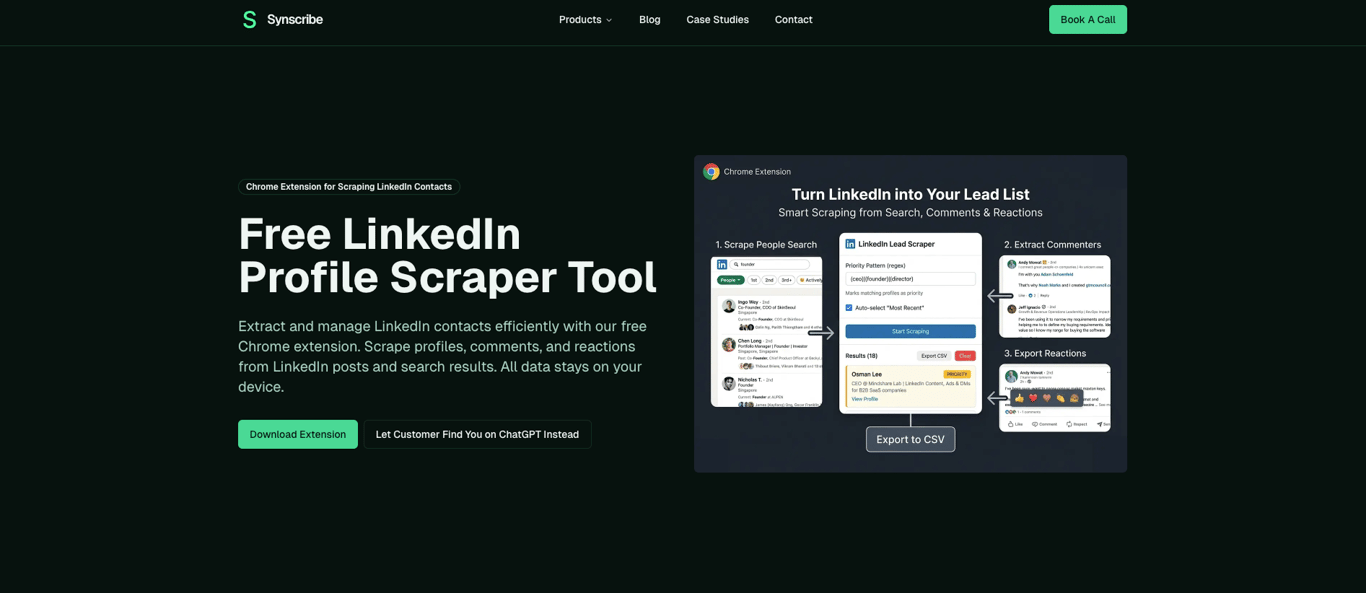
Synscribe's LinkedIn Profile Scraper stands out as our top recommendation because it directly addresses the biggest concerns about safety, privacy, and ease of use.
Key Differentiators:
No Registration & No Credentials Needed: Works directly in your browser without requiring LinkedIn credentials, preventing account bans and potential legal issues.
Ultimate Data Privacy: All scraping occurs locally on your machine; no data is ever sent to external servers.
User-Friendly Browser Extension: Perfect for those looking for "a chrome extension like that," as one Reddit user requested.
Key Features:
Profile scraping directly from LinkedIn search results with your filters applied
Comment & reaction scraper to extract engaged users from specific posts
Advanced filtering using regular expressions for granular control
Priority tagging to mark high-value contacts
Real-time streaming with pause/resume functionality
CSV export for easy data portability
How to Use It:
Install the Synscribe LinkedIn Profile Scraper from the Chrome Web Store
Go to LinkedIn and perform a search (e.g., "Software Engineer in San Francisco")
Click the Synscribe extension icon in your browser
Configure your settings, like setting filters to include "Senior" and exclude "Intern"
Click "Start Scraping" and watch the profiles get collected in the extension window
Once finished, click "Export to CSV"
2. Octoparse
 Type: Web Scraping Tool (Desktop + Cloud)Cost: Free tier available. Paid plans start at $119/month.
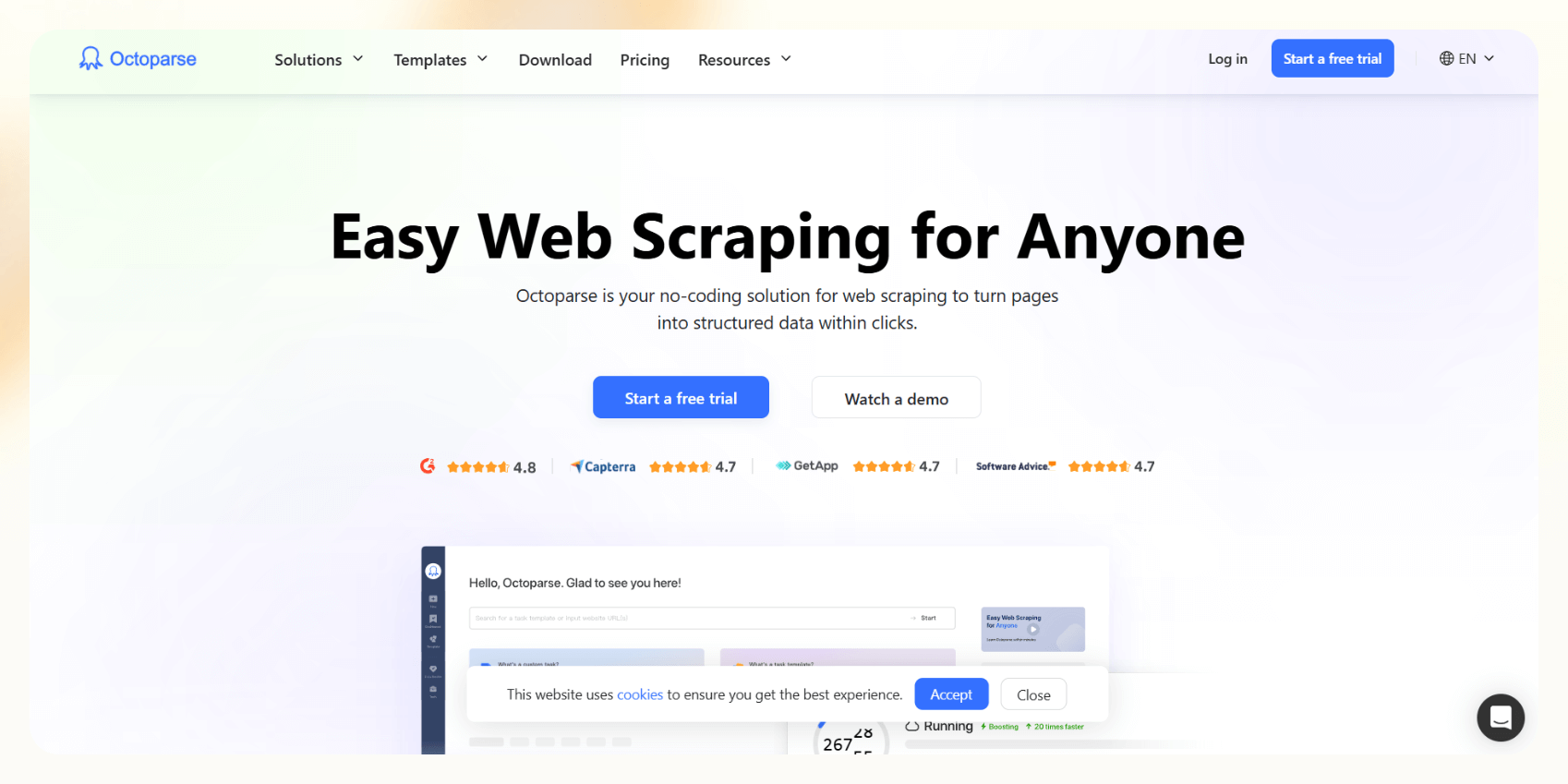
Octoparse offers a visual, point-and-click interface that requires no coding knowledge, making it accessible for beginners.
Key Features:
Visual interface with no coding required
Pre-built templates specifically for LinkedIn
Cloud-based extraction options
Handles dynamic content and pagination
Best For: Non-technical users who need a visual tool for scraping various websites, not just LinkedIn.
3. Data Miner
 Type: Browser Extension (Chrome/Edge)Cost: Free for limited usage (500 pages/month)
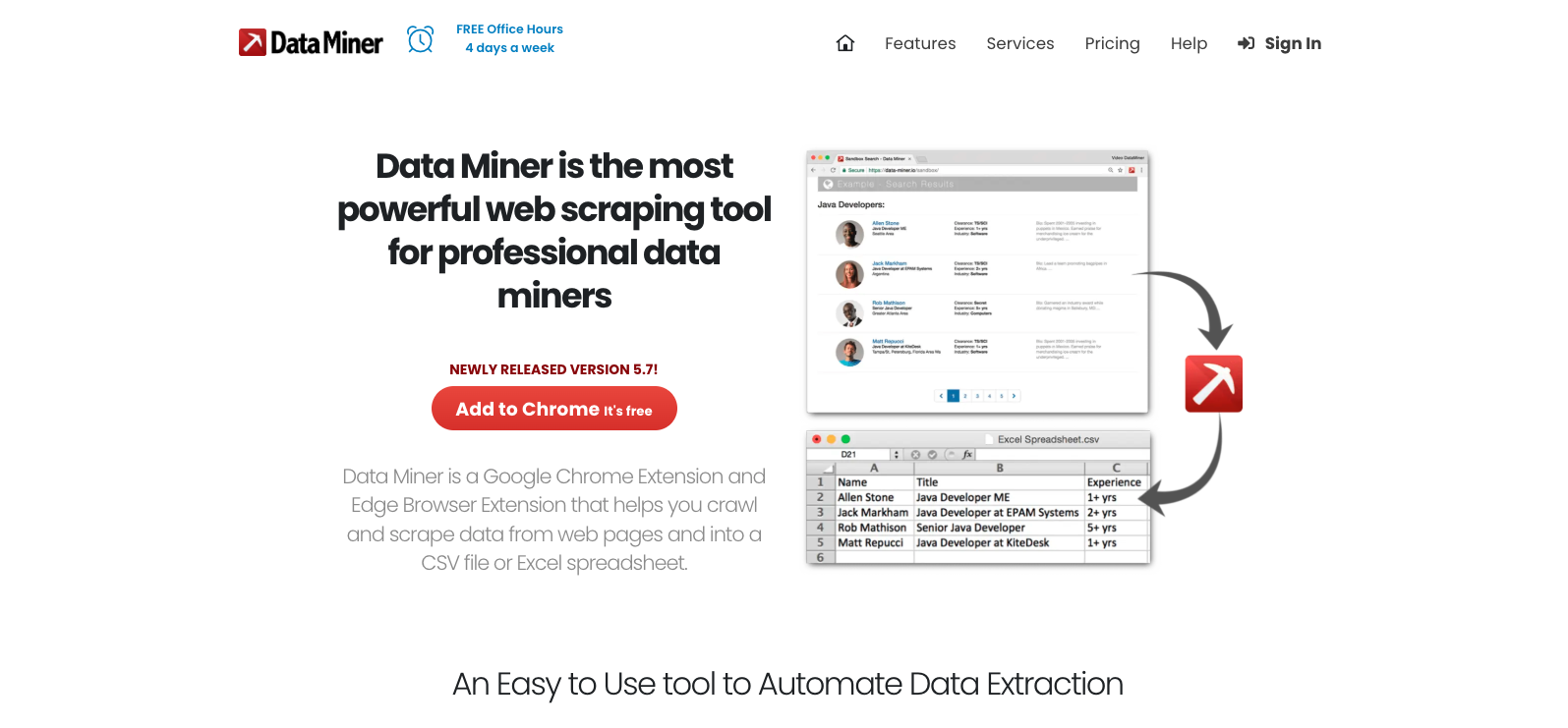
Data Miner provides a straightforward browser extension that comes with pre-made "recipes" for scraping LinkedIn data.
Key Features:
Scrapes data directly from your browser
Pre-made "recipes" for LinkedIn search results and profiles
Customizable for more complex data extraction needs
Simple point-and-click interface
Best For: Users who want a quick, browser-based solution with minimal setup time.
4. Apify
Type: Web Scraping & Automation PlatformCost: Free tier available. Paid plans start at $39/month.
Apify stands out with its pre-built "Actors" specifically designed for LinkedIn scraping without requiring a login.
Key Features:
LinkedIn Profile Scraper Actor that extracts public profile data without login credentials
Bulk processing capabilities for multiple profile URLs
Clean, structured JSON output
Extensible platform for developers
Best For: Developers and technical users who need a robust, scalable scraping solution.
5. PhantomBuster
Type: Automation PlatformCost: Free tier available (30 mins/month). Paid plans start at $48-$69/month.
PhantomBuster offers over 50 "Phantoms" (automation workflows) specifically for LinkedIn, though the free tier has significant limitations.
Key Features:
Various LinkedIn-specific automation workflows
Can automate sequences of actions beyond just scraping
Regular updates to adapt to LinkedIn changes
Data export in multiple formats
Best For: Marketers and sales teams looking for broader LinkedIn automation, not just profile scraping.
6. ParseHub
Type: Web Scraping ToolCost: Free tier available
ParseHub provides a user-friendly graphical interface for selecting and extracting data from complex websites.
Key Features:
User-friendly graphical interface
Handles JavaScript and infinite scroll
Scheduled scraping tasks
Multiple export formats (CSV, JSON, Excel)
Best For: Users who need to scrape data from various complex websites without writing code.
7. Scrapy
Type: Open-source Python FrameworkCost: Completely Free
Scrapy is a powerful, flexible web crawling framework for developers who want full control over their scraping process.
Key Features:
High-performance, asynchronous scraping
Highly customizable for complex scraping needs
Extensive documentation and community support
Middleware system for handling cookies, sessions, and more
Best For: Python developers who need full control and are building a custom, high-performance scraper from scratch.
8. Beautiful Soup
Type: Python LibraryCost: Completely Free
Beautiful Soup is a popular Python library for parsing HTML and XML documents, making it easier to extract data from web pages.
Key Features:
Simple API for navigating, searching, and modifying parse trees
Works with different parsers for flexibility
Smaller learning curve than Scrapy
Often used with the Requests library for fetching web pages
Best For: Programmers and data scientists comfortable with Python who need to perform basic to moderate scraping tasks.
9. WebHarvy
Type: Visual Web ScraperCost: Free trial available
WebHarvy provides a point-and-click interface to configure scraping without any coding knowledge required.
Key Features:
Point-and-click interface with no coding required
Intelligent pattern recognition
Handles AJAX and JavaScript-heavy sites
Data export to CSV, Excel, and database formats
Best For: Non-programmers who need a simple desktop application for visual web scraping.
10. n8n Workflow with Linkfinder AI
Type: Workflow Automation ToolCost: Free (if self-hosted)
This advanced DIY approach uses a third-party service (Linkfinder AI) via an n8n workflow to scrape LinkedIn profiles without connecting to an account.
Key Features:
Extracts name, job title, company, and verified email addresses
Uses AI to generate personalized icebreakers for outreach
Zero risk of a personal LinkedIn account ban
Highly customizable workflow
Best For: Technical users who want a powerful, automated, and safe way to build lead lists and are willing to set up a workflow.
From Data to Deals: What to Do After You Scrape
Getting a raw CSV file of LinkedIn profiles is just the beginning. The real value comes from what you do next:
Step 1: Clean and Deduplicate
Remove errors, standardize formats, and eliminate duplicate entries to ensure your data is accurate and reliable.
Step 2: Enrich and Filter
This crucial step transforms basic profile data into actionable leads. Most scraped data will only include names, titles, and companies, but you'll need:
Verified email addresses
Company information
Additional contact details
Many tools integrate with services like Dropcontact for this enrichment process, turning basic profile data into comprehensive lead information.
Step 3: Strategic Outreach
Once you have a high-quality, enriched list, you can't just blast out generic messages. This is where a data-driven strategy comes in.
Understanding your Ideal Customer Profile (ICP) is essential for effective outreach. Synscribe's focus on deep customer understanding as part of their SEO & Content Strategy service helps validate and refine that ICP, ensuring your outreach resonates with your target audience.
The scraped and enriched data becomes truly valuable when combined with strategic outreach methods like Synscribe's AI-Powered Link Building & PR service, which uses similar data-first principles to conduct "scalable manual outreach," securing placements and backlinks that drive real revenue.
Navigating the Gray Area: Legal & Ethical Considerations
LinkedIn scraping exists in a legal and ethical gray area that requires careful navigation:
The Legal Landscape
As one user warned: "All lawsuit cases brought against people/companies scraping LinkedIn data while logged-in were successful. Be prepared to pay a hefty fine if they find out who you are."
There's an important distinction between scraping publicly available data (information visible without being logged in) versus data behind a login wall. The former is generally considered legally permissible, while the latter violates LinkedIn's Terms of Service and carries significant risk.
Best Practices for Safety
Prioritize Tools That Don't Require Your Credentials: This is why Synscribe's approach is the safest option.
Respect
robots.txt: While not legally binding, it's an ethical guideline.Scrape at a Reasonable Rate: Mimic human behavior to avoid triggering anti-bot measures.
Use Data Ethically: Do not misuse personal data and be transparent in your outreach.
Disclaimer: This section does not constitute legal advice. Companies should consult with legal counsel to ensure compliance.
Conclusion
LinkedIn scraping is a powerful technique for lead generation, but it comes with significant risks like account bans and potential legal issues. The safest and most effective approach is to use a tool that is free, easy to use, and doesn't require you to share your LinkedIn credentials.
For these reasons, Synscribe's LinkedIn Profile Scraper is our top recommendation. It allows you to build powerful prospect lists without compromising your account's safety or your data's privacy. Download the free Chrome extension today and start scraping LinkedIn profiles smarter, not harder.
Frequently Asked Questions (FAQ)
What is the safest way to scrape LinkedIn?
The safest way to scrape LinkedIn is to use a tool that does not require your login credentials and operates locally in your browser. This method avoids violating LinkedIn's terms of service related to logged-in scraping, which carries the highest risk of account bans and potential legal action. Tools like Synscribe's LinkedIn Profile Scraper are designed for this purpose, as all data processing happens on your machine, ensuring your account is never compromised.
Is it legal to scrape LinkedIn profiles?
Scraping publicly available data from LinkedIn is generally considered legally permissible, but scraping data while logged into an account violates LinkedIn's Terms of Service and carries significant legal risks. The key distinction is between public data (visible without a login) and private data (accessible only after logging in). While court rulings have often favored the scraping of public information, it is crucial to consult with legal counsel for specific advice.
Why do I need a special tool to scrape LinkedIn?
You need a special tool for LinkedIn because it uses advanced security measures to actively detect and block automated scraping. These systems are designed to distinguish between human browsing and bot activity. Standard scraping scripts are often quickly identified and blocked, leading to IP bans or account suspension. Specialized tools are built to navigate these defenses more reliably and safely.
How can I scrape LinkedIn without my account getting banned?
To scrape LinkedIn without getting your account banned, the most effective method is to use a tool that does not require you to log in with your LinkedIn credentials. Account bans primarily occur when LinkedIn detects scraping activity linked to a specific user account. By using a tool that scrapes public data without logging in, you remove the direct link between the activity and your personal profile.
What is the best free LinkedIn scraper for non-technical users?
For non-technical users, the best free LinkedIn scrapers are typically browser extensions with a simple user interface, such as Synscribe's LinkedIn Profile Scraper or Data Miner. These tools don't require coding knowledge. You can install them from the Chrome Web Store, navigate to a LinkedIn search page, and begin scraping with just a few clicks.
What should I do with the data after scraping LinkedIn?
After scraping LinkedIn, the first step is to clean and deduplicate the data. Next, you should enrich it with additional information like verified email addresses or company details to turn it into a valuable lead list. Finally, use this high-quality, enriched list for strategic and personalized outreach, such as for sales, marketing, or PR campaigns.
Dominate ChatGPT and Google Search
Synscribe helps B2B companies with SEO & GEO using programmatic SEO approach. Book a call to find out how we help you win.